 listicle
Best Pain Tracking Apps for Chronic Conditions
Table of Contents
- Quick Comparison: Top Pain Tracking Apps at a Glance
- How to Choose a Pain Tracking App for Your Needs
- Best Pain Tracking Apps Reviewed
- Bearable: Customizable Health Logging for Pattern Recognition
- PainScale: Clinical-Grade Tracking Built for Doctor Visits
- Curable: Evidence-Based Pain Psychology and Nervous System Regulation
- Manage My Pain: Comprehensive Reporting for Medical Consultations
- Branch: Community Support Alongside Symptom Tracking
- mySymptoms: Food and Lifestyle Trigger Identification
- Pathways Pain Relief: Structured Guided Recovery Program
- How to Track Chronic Pain for Doctor Visits
- Using Pain Logs to Improve Chiropractic Treatment Outcomes
- Best Practices for Logging Daily Pain Levels
- Key Features to Look for in Symptom Trackers
- Privacy and Data Security in Pain Tracking Apps
- Frequently Asked Questions
Last Updated: October 1, 2026
Pain tracking apps help you understand what triggers flare-ups and which treatments work.
Choosing the right app depends on your needs: medical reporting, trigger identification, community support, or mind-body approaches. This guide breaks down the best options and helps you select the right fit.
Quick Comparison: Top Pain Tracking Apps at a Glance
| App | Best For | Free Tier | Key Strength |
|---|---|---|---|
| Bearable | Pattern recognition | Yes, limited | Customizable tracking across all health metrics |
| PainScale | Doctor visits | Yes | Clinical-grade reporting and data export |
| Curable | Mind-body approach | Yes | Evidence-based pain psychology content |
| Manage My Pain | Medical consultations | Yes | Detailed pain mapping and comprehensive reports |
| Branch | Community support | Yes | Peer groups plus expert resources |
| mySymptoms | Food trigger identification | No | Diet-to-symptom correlation analysis |
| Pathways Pain Relief | Structured recovery | Yes | Guided daily sessions with pain science education |
How to Choose a Pain Tracking App for Your Needs
Your choice depends on your primary goal: preparing medical reports, identifying triggers, learning psychological techniques, or maintaining a simple daily log.
Key questions: What's your main use case (medical reporting, trigger identification, or awareness)? Do you need data export? Will you use it daily? Do you want community features? How important is privacy?
The best app is one you'll use consistently. Start with a free tier for two weeks to test if the interface feels intuitive and helps you spot patterns.
Best Pain Tracking Apps Reviewed
Bearable: Customizable Health Logging for Pattern Recognition
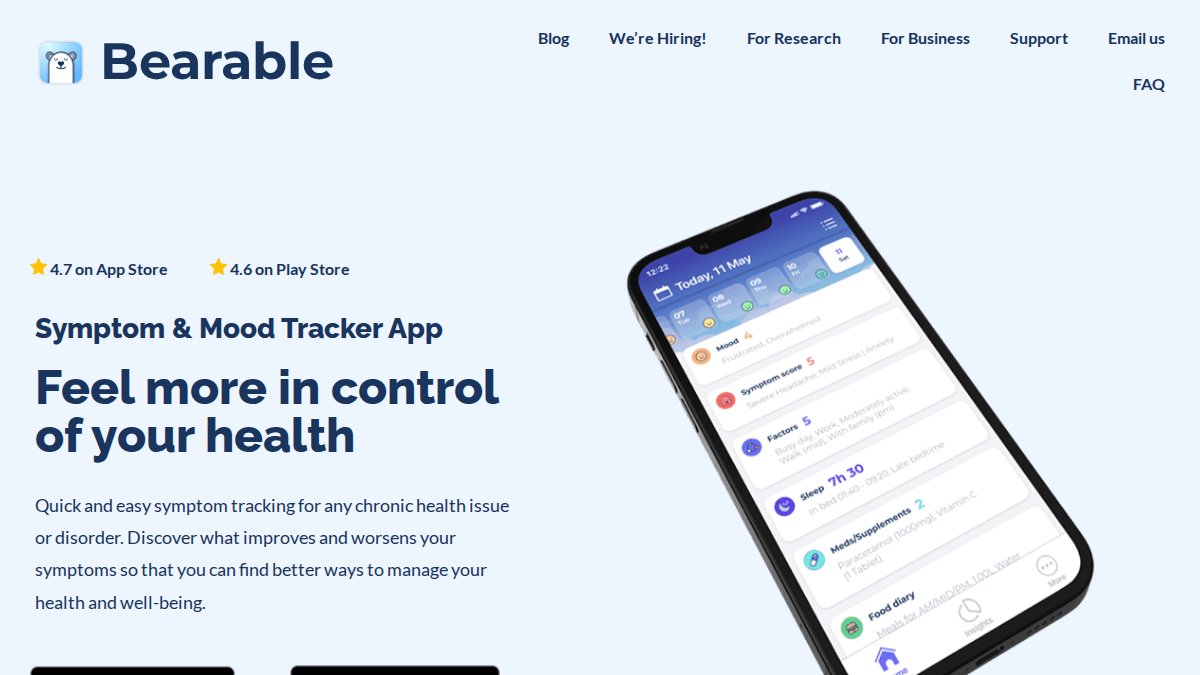
Bearable tracks pain alongside mood, medication, sleep, food, and exercise, then visualizes correlations, showing, for example, that pain spikes when you skip sleep or eat inflammatory foods. The interface feels like a personal health journal with customizable metrics and automatic pattern detection. This works well if you suspect lifestyle triggers but haven't identified them yet.
Strengths: Correlation analysis surfaces relationships you'd miss manually. Free tier is generous with no ads. Limitations: Interface can overwhelm new users. Less clinical than PainScale if medical reports are your priority.
Best for: Active people who want to understand lifestyle triggers and see the bigger picture of their health.
PainScale: Clinical-Grade Tracking Built for Doctor Visits
PainScale guides detailed pain assessments (location, intensity, quality, triggers, functional impact) and medication logging. The standout feature is comprehensive PDF reports showing pain patterns over weeks or months, exactly what doctors need, eliminating reliance on memory.
Strengths: Unmatched reporting for specialists and treatment decisions. Educational library. Limitations: No lifestyle tracking, community features, or mood logging. Limited free tier.
Best for: Patients preparing for medical consultations or working closely with healthcare providers who want detailed documentation.
Curable: Evidence-Based Pain Psychology and Nervous System Regulation
Curable teaches pain neuroscience and provides guided exercises for nervous system recalibration, based on research showing chronic pain often involves nervous system sensitization. Audio lessons, brain training, and personalized recovery plans replace data visualization as the primary tool.
Strengths: Evidence-based approach addressing nervous system sensitization. High-quality content and community. Limitations: Requires 15-30 minute daily commitment. Not ideal for medical reporting. Mind-body framing may not fit structural damage.
Best for: People open to exploring how nervous system sensitivity contributes to their pain and willing to invest time in guided recovery work.
Manage My Pain: Comprehensive Reporting for Medical Consultations
Manage My Pain offers pain mapping, intensity tracking, medication logs, and comprehensive reports for healthcare appointments. The clinical interface captures information doctors need. Pain mapping is particularly valuable for complex, multi-area pain. Integrating these detailed logs with specialized medication management tools ensures that your treatment regimen remains as precise and responsive as the pain data you collect.
Strengths: Reporting rivals PainScale. Detailed pain mapping. Suitable for insurance/legal documentation. Limitations: Clinical interface without lifestyle or community features.
Best for: Patients with complex pain patterns who need detailed medical documentation and pain mapping capabilities.

Branch: Community Support Alongside Symptom Tracking
Branch combines symptom tracking with peer support communities around specific diagnoses, expert Q&A, and practical advice from others with chronic pain. While tracking features are solid, the real strength is human connection, reducing the isolation many feel with chronic conditions.
Strengths: Active community with thoughtful expert responses. Acknowledges emotional and social dimensions. Free tier includes community. Limitations: Less sophisticated tracking than specialized apps. May amplify health anxiety.
Best for: People who want symptom tracking plus meaningful connection with others managing chronic conditions.
mySymptoms: Food and Lifestyle Trigger Identification
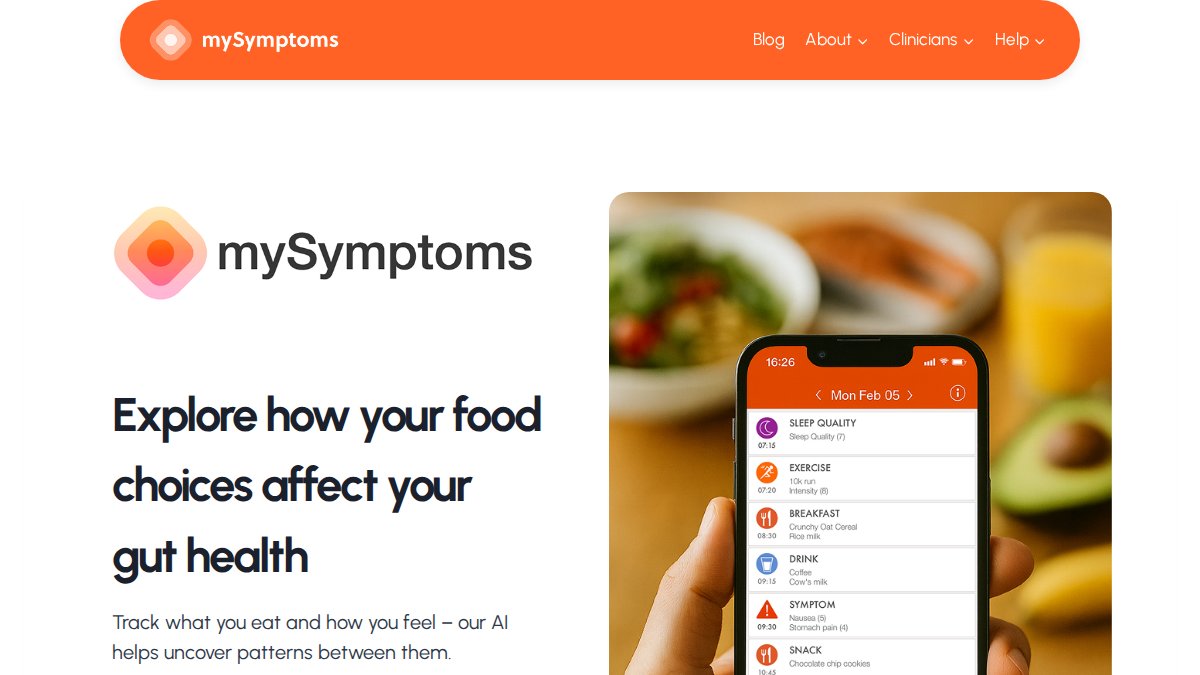
mySymptoms identifies food and environmental triggers by correlating what you eat with symptom patterns. Works best if you suspect dietary triggers. One-time purchase means no subscription fees.
Strengths: Food-to-symptom correlation analysis. One-time purchase. Simple interface. Limitations: No medical reports. Narrow focus on diet/lifestyle. No mood or medication tracking.
Best for: People suspecting food sensitivities or environmental triggers as contributors to their pain.
Pathways Pain Relief: Structured Guided Recovery Program
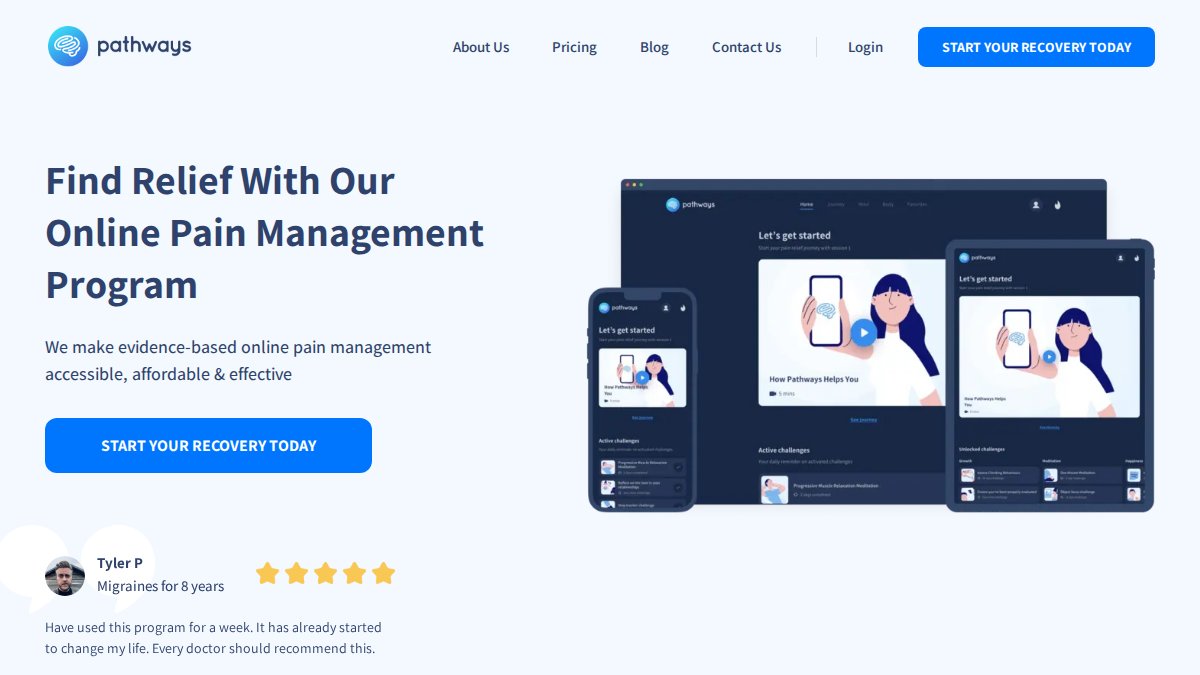
Pathways combines daily guided sessions with pain tracking in a structured recovery program. It emphasizes pain neuroscience and nervous system retraining through education and practice, not just documentation.
Strengths: Structured daily program creates accountability. Evidence-based education. Limitations: Requires daily engagement. Non-customizable pathway. Not ideal for medical reports or trigger identification.
Best for: People who benefit from structured guidance and want to address pain through education and nervous system retraining.
How to Track Chronic Pain for Doctor Visits
Start tracking at least two weeks before your appointment. Log pain intensity, location, triggers, functional impact, and treatments tried. Note patterns: timing, activities, weather, stress. These observations help your provider identify root causes and adjust treatment.
Export your data as a PDF or print your logs to bring to your appointment. A visual representation of your pain patterns over weeks tells a more compelling story than verbal description. According to American Academy of Pain Management guidance, patient-reported data significantly improves treatment outcomes because providers can see what's actually happening rather than relying on recall bias.
Using Pain Logs to Improve Chiropractic Treatment Outcomes
Patients who maintain detailed pain logs achieve better chiropractic results. Establish a baseline before treatment, then track whether interventions improve your pain, sleep, and function. Share logs regularly with your chiropractor to adjust treatment as needed. Documented improvement provides objective evidence that treatment works and renews commitment to recovery.
Best Practices for Logging Daily Pain Levels
Pick a routine that fits your life, morning, lunch, or evening. Logging takes 2-3 minutes once you develop the habit.

Use a consistent pain scale so your "5" today means the same as your "5" next week.
Key Features to Look for in Symptom Trackers
Data Export Capability: Can you download your data as a PDF or CSV file? This matters if you want to share information with providers or switch apps later. Some apps lock your data inside their platform.
Privacy and Data Security in Pain Tracking Apps
Your pain tracking app stores sensitive health information. Before downloading, review the app's privacy policy, specifically where data is stored, who can access it, and whether it's encrypted during transmission and at rest.
Frequently Asked Questions
What should I look for in a pain tracking app for chronic conditions?
Look for apps that allow customizable symptom logging, medication tracking, and data visualization to identify patterns. The best pain tracking apps let you record pain intensity on a scale, track triggers like activity or food, and export data to share with your doctor. Consider whether you need community support, guided exercises, or clinical-grade reporting features. A user-friendly interface matters, if logging is too complicated, you won't use it consistently.
How can tracking my pain help my chiropractor or doctor?
Pain logs provide objective data about your condition over time, showing patterns your healthcare provider might miss in a single appointment. When you track pain intensity, triggers, and how treatments affect your symptoms, you give your chiropractor or doctor concrete information to guide treatment decisions. Many apps let you export reports to bring to appointments, which helps practitioners see the full picture of your condition and adjust care accordingly.
Are there free pain tracking apps available?
Yes, several apps offer free tiers or free versions. Bearable, Curable, PainScale, Branch, and Manage My Pain all have free options with core tracking features. Some apps limit how much data you can store or require paid upgrades for advanced features like detailed reporting or community access. Free versions are often sufficient to start identifying pain patterns and triggers.
Can pain tracking apps help identify what triggers my chronic pain?
Many pain tracking apps include correlation analysis that identifies patterns between your activities, diet, mood, sleep, and pain levels. Apps like Bearable and mySymptoms specifically track lifestyle factors alongside pain to help you spot triggers. By logging consistently and reviewing weekly reports, you can discover which foods, activities, or stressors worsen your symptoms, giving you and your healthcare provider actionable insights.